
Browse All Tutorials
DIY brewing tutorials and guides

Choose Your BrewPi-ESP Hardware
The first step in building a BrewPi is deciding what path to take. Learn about your options and select the one that works for you.
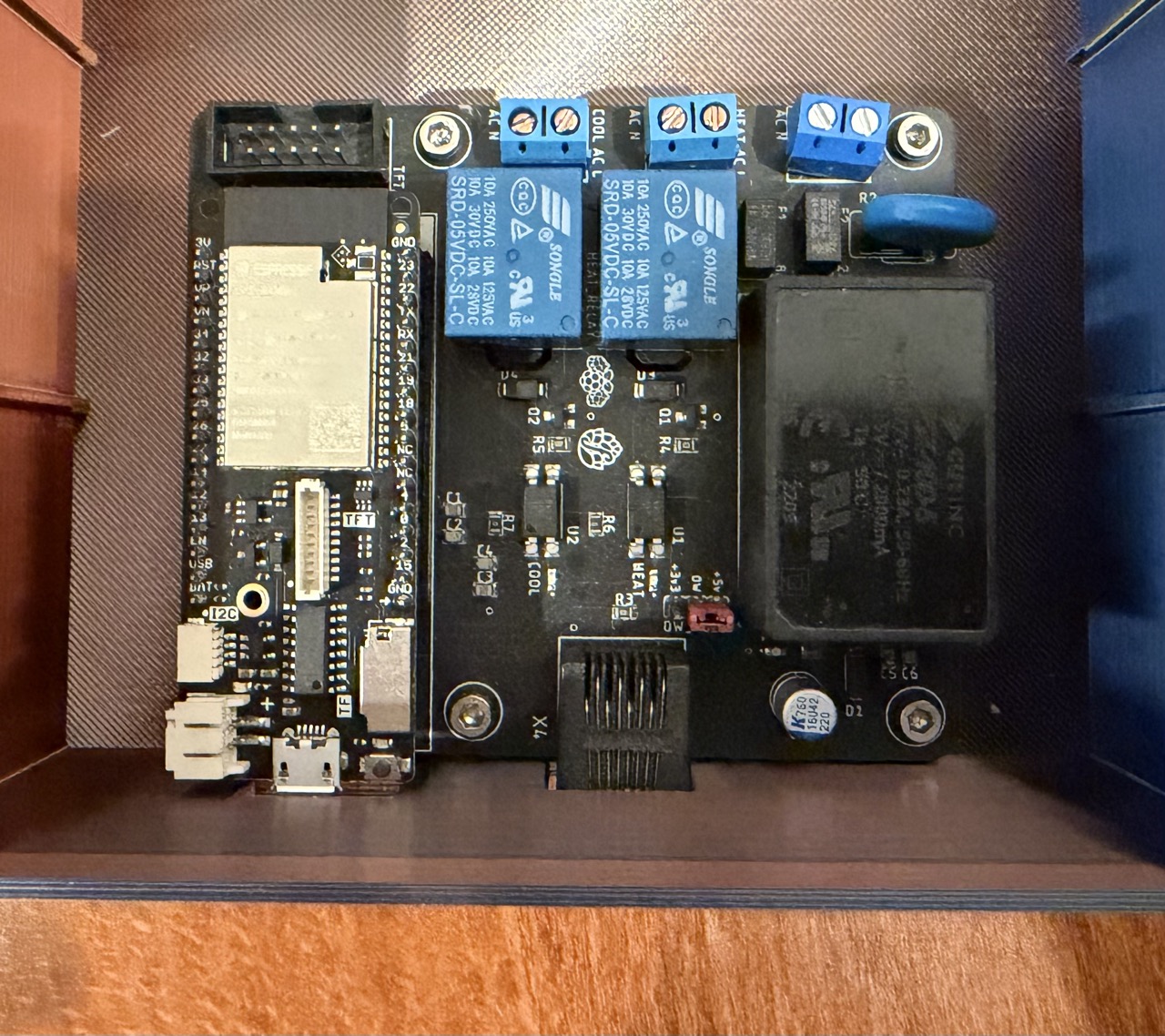
Build a BrewPi with the All-in-One PCB
Build a compact, professional fermentation controller using the All-in-One PCB — an integrated board with relays, power supply, and sensor connections. Some soldering required.
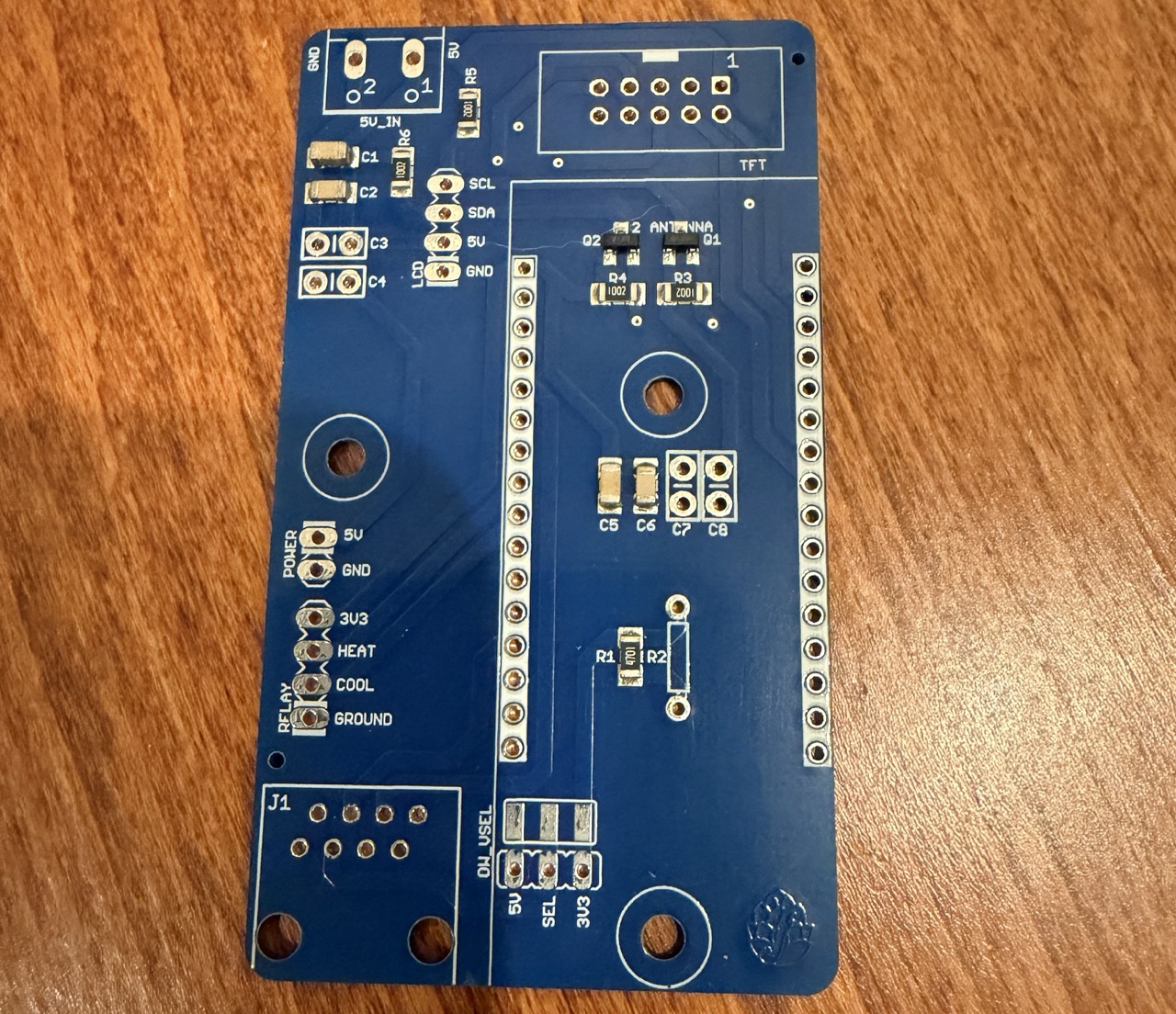
Build a BrewPi with the One-Size-Fits-Most PCB
Build a modular fermentation controller using the 'One Size Fits Most' PCB with a separate relay board and power supply. The most flexible build — each component is individually replaceable.
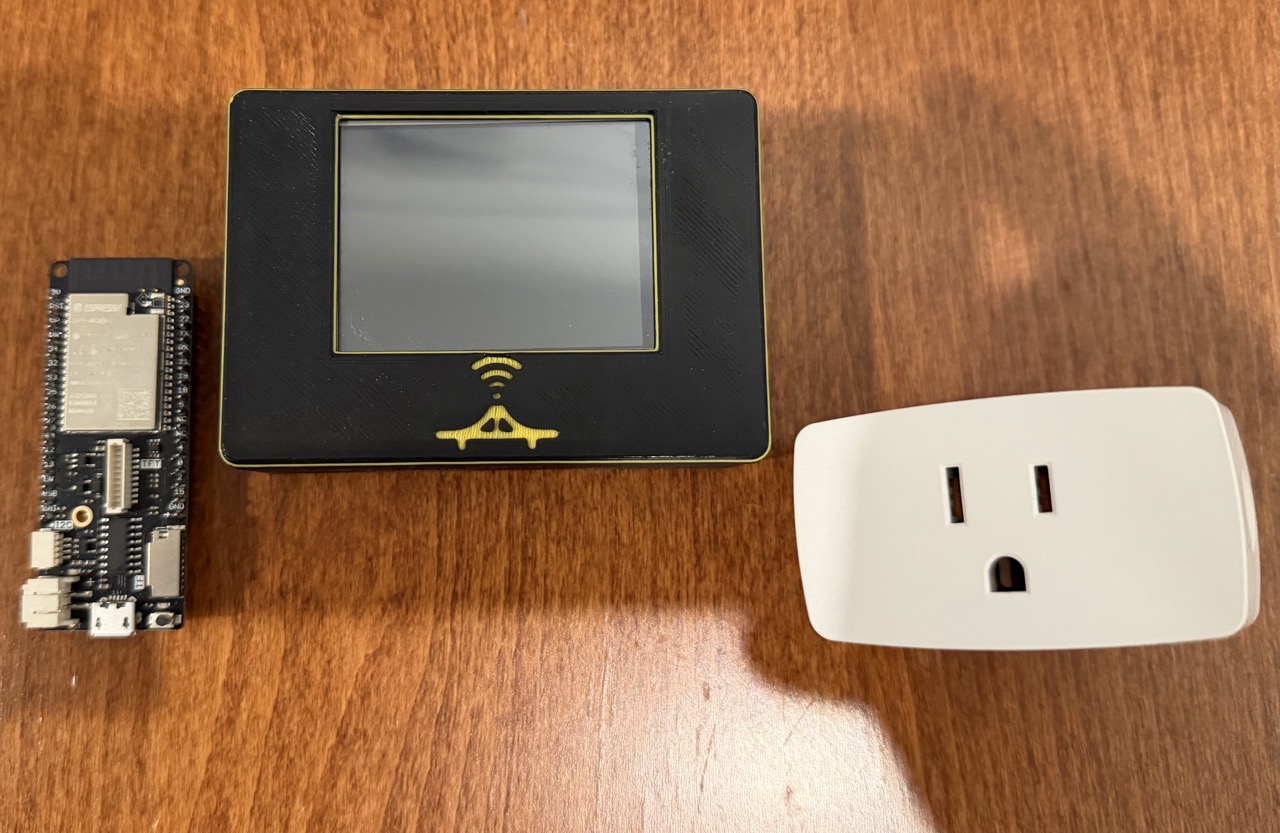
Build a Solder-Free BrewPi
Build a fully wireless fermentation temperature controller using an ESP32, Bluetooth sensors, and WiFi smart plugs. No soldering, no wiring, no relays — just off-the-shelf parts.

How to Build This Site
Learn how crafta.beer works, how to run it locally, and how to add your own tutorials using the block-based content system.
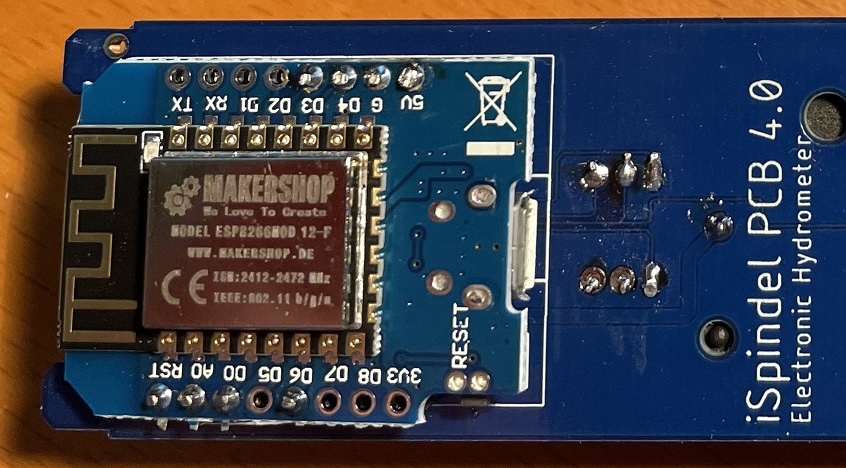
Choose Your GravityMon Hardware
Not sure whether to build with an ESP8266 or ESP32? Compare the two hardware options and pick the one that fits your needs and budget.
Build a GravityMon (Classic ESP8266)
Build a digital hydrometer using classic iSpindel hardware — a Wemos D1 Mini, MPU6050 gyroscope, and DS18B20 temperature sensor — running GravityMon firmware for advanced gravity monitoring.
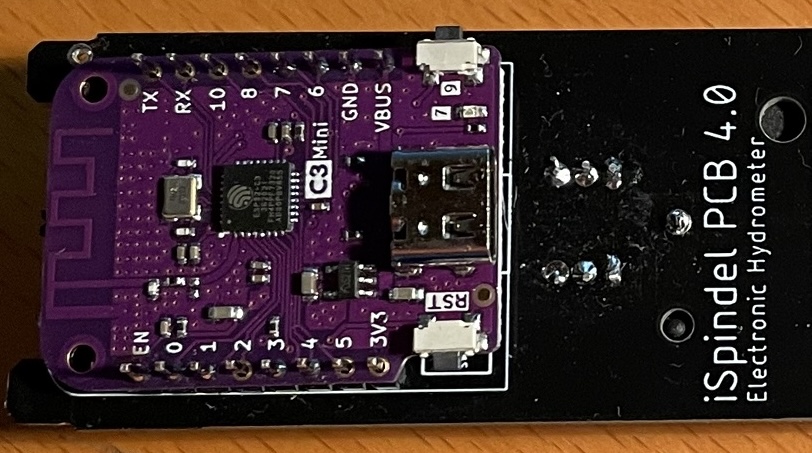
Build a GravityMon (ESP32)
Build a digital hydrometer using a modern ESP32 board with Bluetooth support — running GravityMon firmware for advanced gravity monitoring, velocity tracking, and multi-service data forwarding.

Build a TiltBridge on a Budget
Get your Tilt Hydrometer data streaming to the cloud for under $10 using a basic ESP32 board. No screen, no case, no assembly — just flash and go.
Choose Your TiltBridge Hardware
Not sure which TiltBridge to build? Compare the three hardware options — bare ESP32, M5StickC Plus, and D32 Pro with TFT screen — and pick the one that fits.

Build a TiltBridge with a Large Display
Build a TiltBridge using a LoLin D32 Pro and 2.4" TFT screen in a 3D printed case. Read your Tilt Hydrometer's gravity and temperature from across the room.

Build a TiltBridge with an M5StickC Plus
The easiest TiltBridge build with a screen. The M5StickC Plus has a built-in display and case — just flash the firmware and go.